
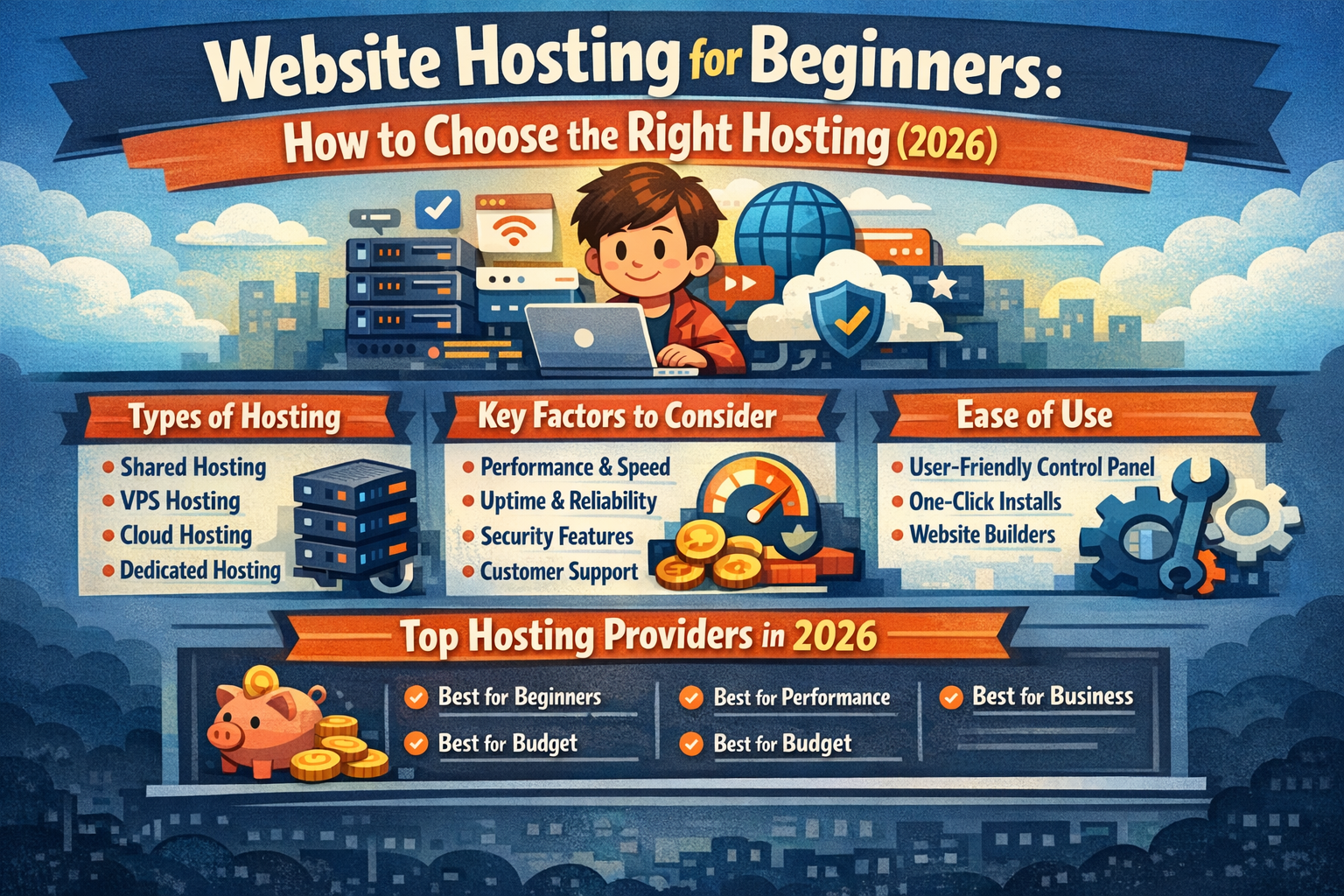

Website Hosting for Beginners: How to Choose the Right Hosting (2026)
Introduction: Why Beginners Struggle With Website Hosting
If you are building your first website, choosing website hosting can feel overwhelming.
There are:
- Too many hosting types
- Confusing technical terms
- Huge price differences
- Dozens of “best hosting” lists that say different things
Most beginners don’t fail because of design or content — they fail because they choose the wrong website hosting at the start.
This guide is written specifically for beginners and explains:
- What beginners actually need from website hosting
- Which hosting types to avoid
- How to choose hosting without technical knowledge
- The best website hosting option for most beginners
What Beginners Really Need From Website Hosting
For beginners, website hosting should be:
- Easy to set up
- Affordable without hidden costs
- Fast enough for SEO and users
- Reliable and secure
- Scalable for future growth
Anything more than this is unnecessary at the start.
Best Types of Website Hosting for Beginners
Shared Website Hosting (Best Starting Point)
Shared hosting is the most common choice for beginners.
Why it works
- Low cost
- No server management
- Simple dashboards
- Enough performance for new sites
When it’s enough
- Blogs
- Personal websites
- Small business sites
- Affiliate and niche sites
Managed WordPress Hosting (Beginner-Friendly Option)
If you plan to use WordPress, managed WordPress hosting is often the easiest choice.
Benefits
- One-click WordPress installation
- Automatic updates
- Built-in caching and optimization
This removes most technical barriers for beginners.
Hosting Types Beginners Should Avoid (At First)
❌ VPS Hosting
❌ Dedicated Servers
❌ Complex Cloud Configurations
These require server management skills and are unnecessary until your site grows.
How to Choose Website Hosting as a Beginner (Step-by-Step)
Step 1: Decide Your Website Type
- Blog
- Portfolio
- Small business site
- Affiliate site
Most beginners fall into these categories.
Step 2: Prioritize Ease of Use
Look for hosting that offers:
- Simple control panels
- Clear dashboards
- One-click installs
If setup feels complicated, it’s not beginner-friendly.
Step 3: Make Sure Performance Is “Good Enough”
Beginners don’t need extreme performance — but slow hosting hurts SEO.
Minimum requirements:
- SSD storage
- Built-in caching
- Global server locations
Step 4: Check Long-Term Pricing
Introductory prices can be misleading.
Always check:
- Renewal costs
- Contract length
- Included features
Common Beginner Mistakes With Website Hosting
- Choosing the cheapest option without checking performance
- Paying for features they don’t understand or need
- Selecting hosting that cannot scale
- Ignoring SEO and speed from day one
Best Website Hosting for Beginners (Our Recommendation)
After comparing ease of use, pricing, performance, and scalability, one option consistently works best for beginners.
Why Hostinger Is Ideal for Beginners
Hostinger is often recommended for beginners because it offers:
- Simple setup with minimal technical steps
- Excellent price-to-performance balance
- Optimized WordPress hosting
- Global server locations (good for U.S. and international audiences)
- Clean, beginner-friendly control panel
👉 Website Hosting for SEO & Speed: How Hosting Impacts Rankings (2026)
How Much Does Website Hosting Cost for Beginners?
Typical beginner hosting costs:
- Low monthly cost on entry plans
- Slightly higher renewal prices
- Optional upgrades as your site grows
The key is starting small and upgrading only when needed.
Website Hosting Setup: What Beginners Can Expect
Most beginner-friendly hosting providers allow you to:
- Register a domain
- Install WordPress
- Launch your site
All within the same dashboard, often in under an hour.
Frequently Asked Questions (Beginners)
Is website hosting difficult for beginners?
No. With modern hosting platforms, most beginners can launch a website without technical skills.
Can beginners use website hosting for business sites?
Yes. Many small business websites start on beginner-friendly hosting and scale later.
Is WordPress hosting better for beginners?
For most beginners, WordPress hosting is easier and faster to manage.
Which website hosting should beginners choose?
Beginners should choose hosting that balances ease of use, performance, and cost — providers like Hostinger meet these criteria well.
Final Thoughts: Start Simple, Scale Later
The biggest mistake beginners make is overthinking website hosting.
Start with:
- Beginner-friendly hosting
- Reasonable performance
- Affordable pricing
As your website grows, you can upgrade without rebuilding everything.

